Follow the thread.
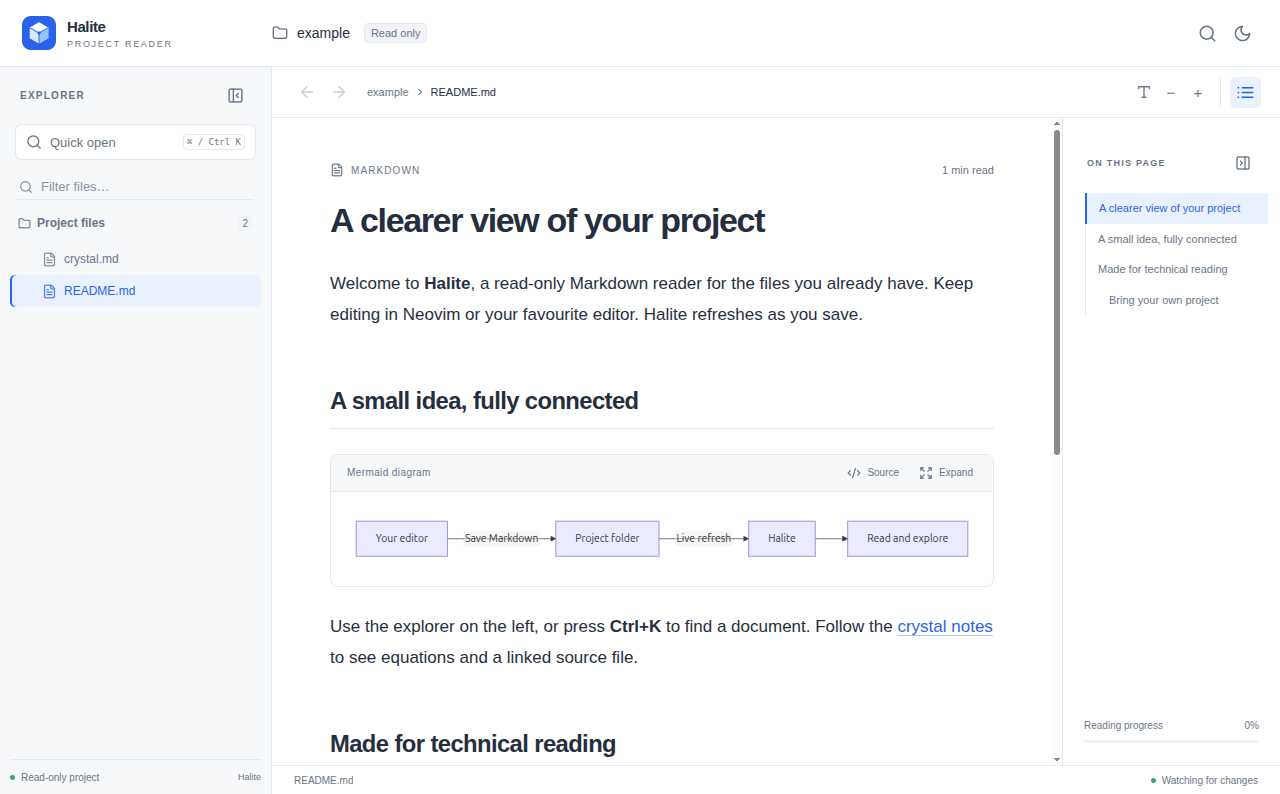
Jump to a file with quick open. Follow relative links, scan the heading outline, and find your way back without losing your place.
Ctrl + K Your next document, a few keys away. HalitePROJECT READER
Your docs deserve room to breathe.
Open a project. Follow its links. Make sense of its equations and diagrams. Keep writing in your favorite editor—Halite refreshes as you save.
Linux x64 · No account required · MIT source
LESS FRICTION. MORE UNDERSTANDING.
Jump to a file with quick open. Follow relative links, scan the heading outline, and find your way back without losing your place.
Ctrl + K Your next document, a few keys away.Equations, Mermaid diagrams, highlighted code, tables, and images belong in the same view. Expand a diagram when you need a closer look.
Markdown + math + MermaidKeep your favorite editor. Halite refreshes as you save. Switch from Preview to Source, or copy the original Markdown in one click when you’re ready to share.
Read, view source, copy. Your files stay yours.A LITTLE MORE ROOM
Keep projects together in tabs, or give each one a window. Switch between them with your reading position waiting where you left it.
Prefer the terminal? Every project opened from the CLI shares one local service and one port.
See how projects work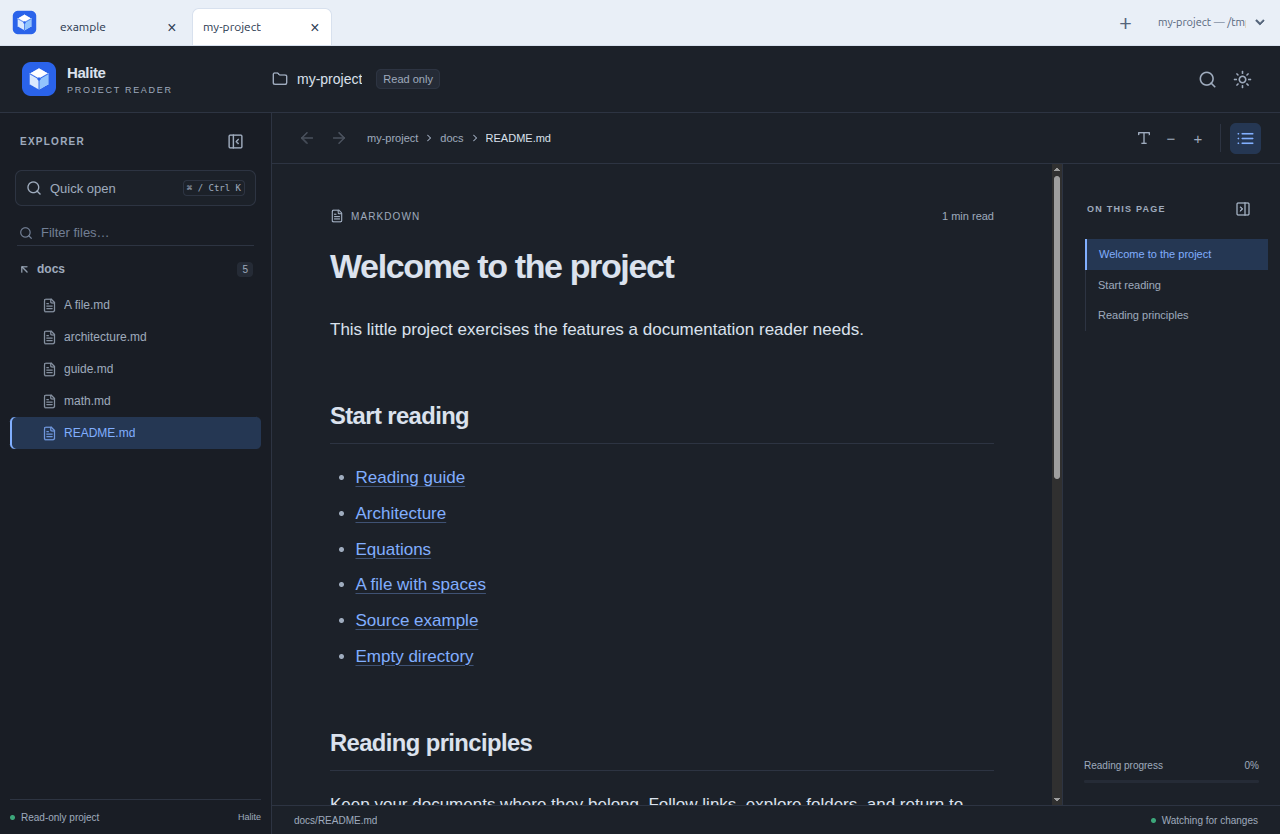
20 SECONDS INSIDE HALITE
Open the example. Expand a diagram. Find the crystal notes, read the math, and follow a link into the source.
Recorded in the real desktop app.
Silent video · Core reading features
The demo opens a project, expands a Mermaid diagram, finds a document, displays equations and source code, and switches to the dark theme.
SIMPLE, BY DESIGN
Halite’s source is open under the MIT license. The planned paid edition supports convenient desktop downloads and ongoing maintenance.
Freeto use
Find your reading rhythm with the current preview.
$19USD · one time
Maintained Linux downloads. Yours to keep using.
Not on sale yet. Try the free preview today.
$19 is the planned price for Desktop 1.x. Purchased versions will keep working. Future major upgrades may be offered as optional separate purchases. You can always build from the MIT-licensed source.
BRING YOUR OWN PROJECT
Try Halite with your own docs, or start with the included example.
A FEW PRACTICAL DETAILS
Halite reads your local files without uploading them. There is no Halite account or cloud storage. Remote images and external links inside your documents can still contact their destinations.
The ready-to-install desktop preview is for Linux x64, with a .deb installer and portable archive. Debian 12 and Ubuntu 24.04 passed container installation checks; real desktop feedback is still welcome. The source CLI’s shared service supports Linux and macOS. Windows shared-service support and desktop builds for other platforms are not available yet.
The planned Desktop 1.x purchase includes Linux installers, checksums, installation instructions, and all 1.x updates. We plan to deliver downloads through Lemon Squeezy after checkout. Sales are not open yet; delivery and purchase terms will be finalized before launch. There is no physical shipment.
You would be supporting the work of packaging, testing, and maintaining convenient desktop downloads. The full source stays under the MIT license, so building it yourself remains an option. The CLI and current preview are free.
Use GitHub Issues for technical questions and bug reports, or email the developer for private questions. Community support has no guaranteed response time. Please keep private documents out of public issues.